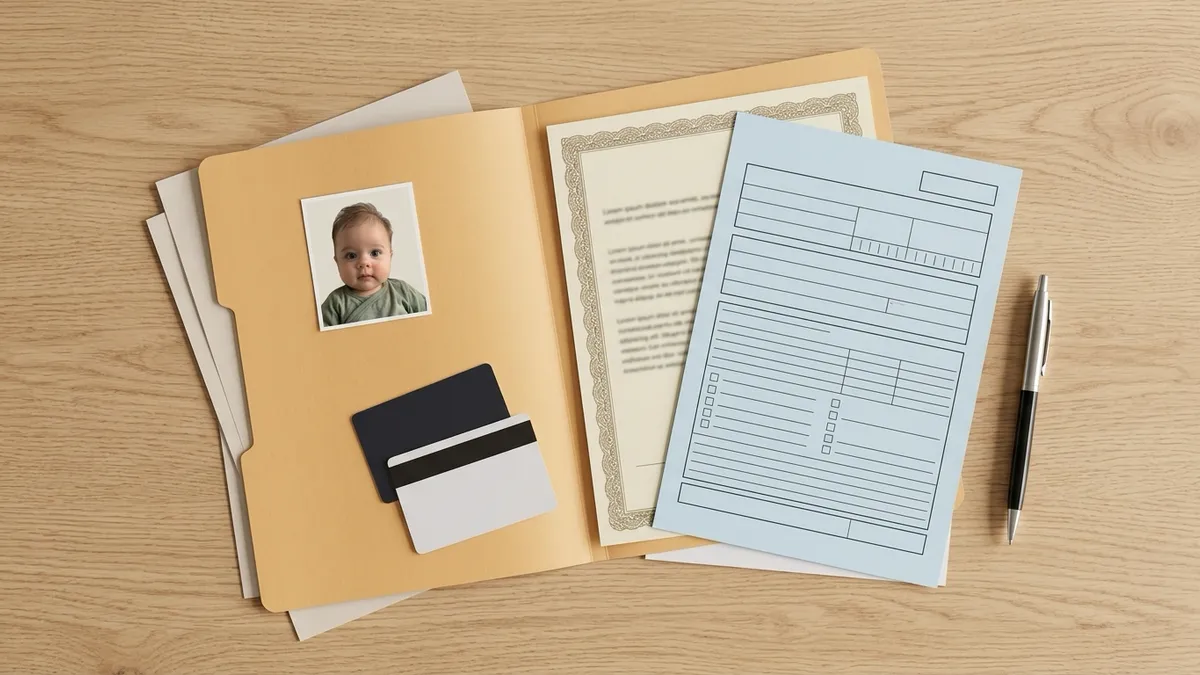
You don't need a studio for your baby's U.S. passport photo. The State Department lists "a friend or family member" as one of the places a passport photo can come from, and its own page for babies describes two setups you can do in your living room: lay your baby on a plain white sheet, or cover a car seat with one (travel.state.gov).
The hard part is a baby who won't hold still, a shadow you didn't notice, and a sheet that looked smooth until you zoomed in. This guide covers both setups, then the details that decide whether a photo passes.
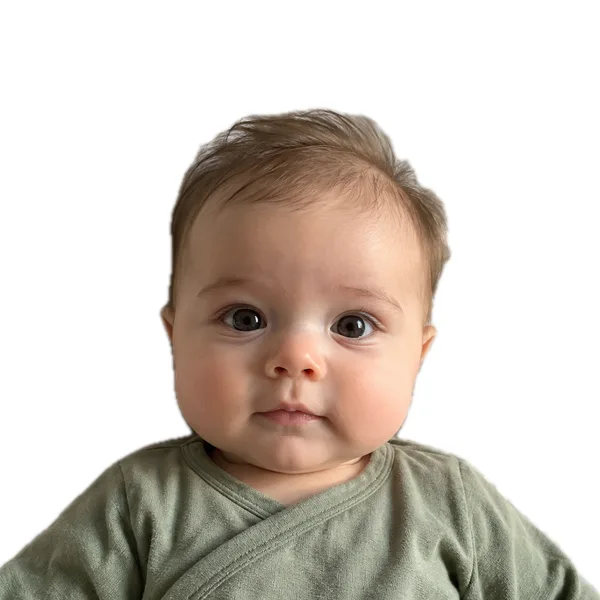
When you have a shot you like, you can make a baby passport photo online with our tool. It checks the photo, crops it to 2×2 inches, and puts it on a 4×6 sheet you print at any pharmacy.
What you need before you start
- A plain white or off-white sheet. Smooth cotton works. A stiff white poster board under (or instead of) the sheet keeps wrinkles out.
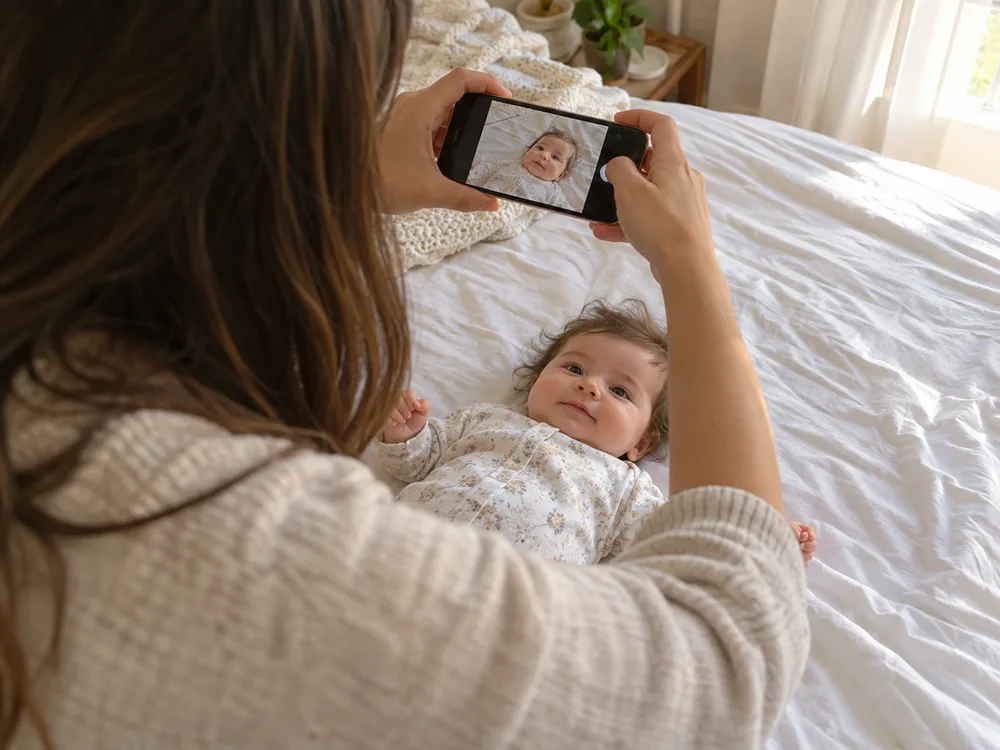
- Your phone. Use the rear camera, not the selfie camera.
- A window with daylight. Late morning or early afternoon on a bright, overcast day is ideal.
- A helper. One person takes the photo, the other keeps the baby calm and looking up.
- A colored top for your baby. Anything but white.
- 15 minutes when your baby is fed and content. Two or three sessions is normal.
What the finished photo has to show
Here is the short version for a U.S. passport. The full list, with the official wording, is on our baby passport photo requirements page.
- 2×2 inches, in color, taken in the last 6 months.
- Head measures 1 to 1⅜ inches from the bottom of the chin to the top of the head.
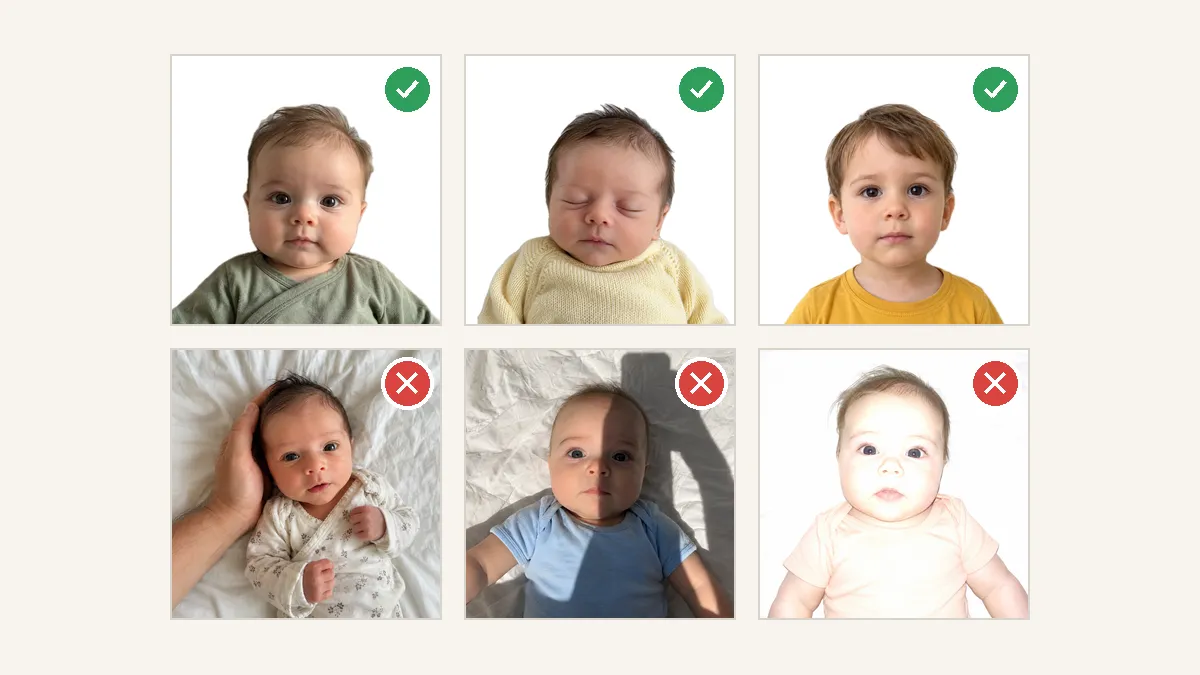
- Plain white or off-white background with no shadows, texture, or lines.
- No other person in the photo, and nothing covering the face.
- Your baby's eyes don't have to be fully open. All other children need their eyes open.
Other countries differ. The UK lets babies under 1 have their eyes closed but wants a digital photo you don't crop yourself; you can create a UK baby passport photo with those rules built in. New Zealand requires open eyes; see our NZ baby passport photo page.
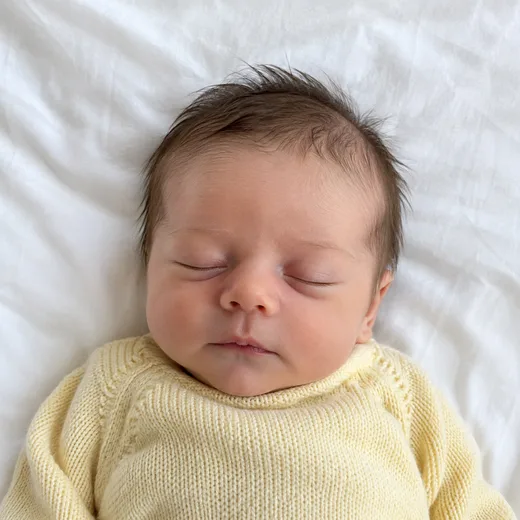
Method 1: Lay your baby on a white sheet
This is the setup most parents use for newborns and young babies who can't sit up yet. It's also what the State Department, the UK, and New Zealand all describe for babies.
- Pick a firm surface. A made bed, a firm mattress, or a clean floor. Stay within arm's reach of your baby the whole time.
- Pull the sheet tight. Tuck it under the mattress or tape the corners to the floor. Wrinkles show up in the photo as lines and shadows, and parents in passport forums report photos sent back for small blanket creases. A sheet laid over a white poster board is the easiest way to get a flat surface.
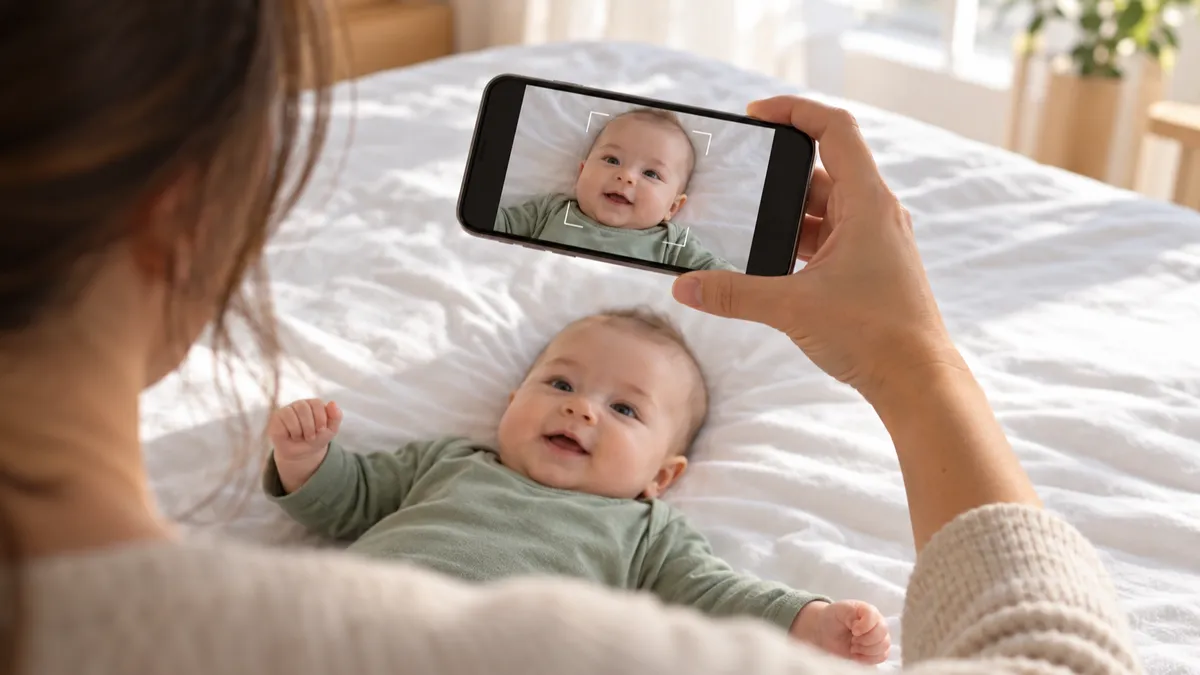
- Lay your baby face up, head toward the window. Daylight then falls down the face evenly instead of lighting one cheek.
- Stand or kneel directly above. Hold the phone flat, parallel to your baby's face, at about arm's length. Don't lean in close. Shooting too close distorts the face, and you'll crop later anyway.
- Leave room around the head and shoulders. A photo with space around it can be cropped. A photo with the top of the head cut off can't.
- Hold the phone firmly with both hands. You're holding it over your baby's face.
Method 2: Use a car seat covered with a sheet
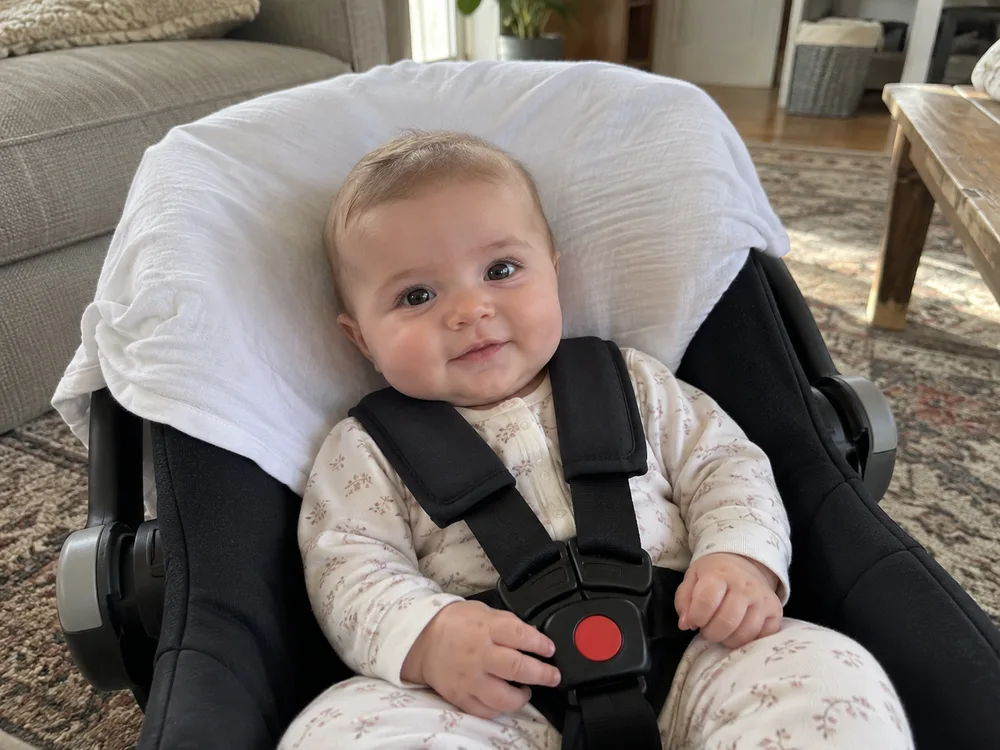
Some babies fuss the moment they're laid flat. Others have enough head control that they'd rather sit. For them, the car seat method works well, and it's the second setup on the State Department's list.
- Put the car seat on the floor. Never on a bed, table, or counter.
- Drape the white sheet over the back of the seat so it covers the headrest and the area behind your baby's head. Pull it taut and tuck it in. Wrinkles matter here too.
- Buckle your baby in as usual. Make sure no part of the seat shows around the head.
- Shoot straight on, at your baby's eye level. Kneel in front of the seat. Hold the phone level, not tilted up or down.
- Face the seat toward the window so the light hits your baby's face from the front, not from one side.
In passport forums, parents of babies who settle better upright keep recommending this setup.
Get the light right: soft, even, no shadows
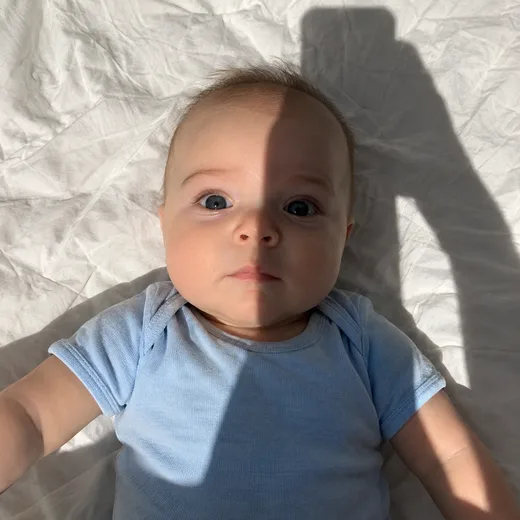
Light causes more problems than anything else. In forum threads, U.S. parents describe photos sent back for being overexposed, for one cheek brighter than the other, and for shadows they didn't see on the phone screen.
- Use daylight from a window. Bright but not direct sun. Direct sun makes hard shadows and squinting.
- Turn off ceiling lights. When you lean over your baby, an overhead light puts your shadow right on the sheet.
- Skip the flash. It flattens the face, blows out the white sheet, and can cause red eye, which the State Department says not to fix but to retake.
- Check both cheeks. Zoom in on the photo. If one side of the face is clearly darker, turn your baby so the window light falls more evenly, or hold a white board or poster on the darker side to bounce light back.
- Watch for your own shadow. Stand on the side away from the window.
Timing: after a feed, after a nap
Pick a moment when your baby is fed, dry, and rested. For most families that's right after a feed or right after waking up from a nap.
- Newborns: a sleeping newborn is fine for a U.S. passport, because a baby's eyes don't have to be fully open. Don't wake a sleeping baby to get open eyes. Parents who tried often ended up with a crying face and one eye half open.
- Older babies: aim for the calm, awake window. Have your helper stand right behind the phone with a toy or a squeaky sound so your baby looks toward the camera. Keep the toy out of the frame.
- If it isn't working, stop. Try again after the next feed. A U.S. passport photo is valid for 6 months, so a photo you take today still works if your appointment is a few weeks away.
Take a burst, then pick the best frame
No one gets this in one shot. Parents in passport forums talk about taking dozens of photos, sometimes hundreds, to get one where the eyes, mouth, and head angle all line up. That's expected.
Use burst mode or just keep tapping. Then go through the shots and look for:
- Face pointing straight at the camera, not turned to one side.
- Mouth closed or relaxed, no big yawn or cry.
- Eyes open, or calmly closed for a young baby.
- No hands, pacifier, or toy anywhere in the frame.
- Sharp focus on the eyes. Blurry photos get rejected.
How to take a baby passport photo with an iPhone
- Use the rear camera at 1×. The front camera can save a mirrored image, and the UK rejects mirrored photos.
- Don't use Portrait mode. It blurs the background with software.
- Turn off filters and the flash.
- Turn on Grid in Settings › Camera so you can keep the phone level. On recent iOS versions there's also a Level option that shows when the phone is pointing straight down.
- For a burst, slide the shutter button to the left and hold.
- HEIC photos are fine. You can upload them as they are.
What to dress your baby in
- A plain, colored top. Soft green, blue, yellow, or pink stands out against white. A white onesie on a white sheet blends in and makes the head and shoulders hard to separate.
- Nothing on the head. Skip hats, bows, and wide headbands. They hide the top of the head, which is where the head size is measured from.
- No pacifier. The State Department shows a pacifier covering part of a child's face as an example of an unacceptable photo.
- A swaddle is okay if it's colored and the face and chin are fully visible.
Keep hands, toys and pacifiers out of the frame
The rule is simple: no other person can be in the photo. The State Department's examples include a child's face covered by a hand. The UK says your hand can support your baby's head but must not be visible. Australia lists a parent's hand in the photo as a reason for rejection.
Some photos with a parent's fingers showing have passed, but parents also describe agents refusing photos on the spot for a visible thumb. With a trip coming up, it's not worth the gamble.
How to support your baby's head without showing your hand:
- Put a rolled towel under the sheet on each side of the head.
- Slide your hand under the sheet, not on top of it.
- In the car seat, use the seat's own head support.
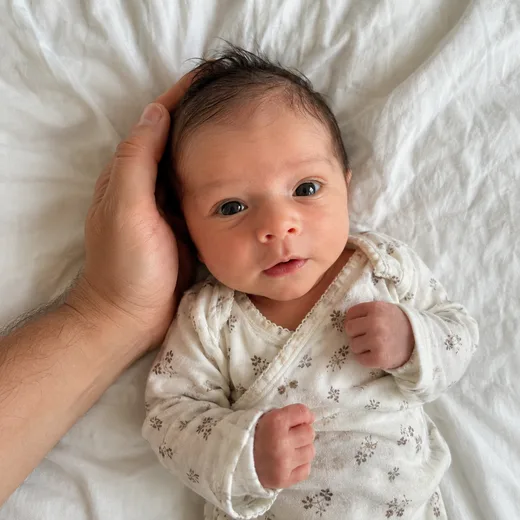
Our tool will not erase a hand from the photo. Removing it would mean redrawing part of your baby's head, and passport offices don't allow changes to the head or face. If we spot a hand, we tell you and ask for a retake.
Check and crop the photo
Measuring a head to within ⅜ of an inch on a phone screen is fiddly. Home photos often go wrong here: the head ends up too small after cropping, or a shadow only shows once it's printed.
Upload your best shots to create your baby's 2×2 photo. Here's what happens:
- We check exposure, uneven light on the face, shadows, hands or another person, pacifiers, toys and other objects near the head, deep folds in the sheet, blur, an open mouth, eyes (by country), and a clearly turned or tilted head. If a photo fails, we tell you why and how to reshoot.
- We clean up the background to plain white or off-white. We only touch the background. We don't change your baby's face, skin, or the outline of the head, and we don't flip the image.
- We crop to 2×2 inches with the head at 1 to 1⅜ inches, and lay the photo out on a 4×6 sheet with cut lines.
The watermarked preview is free with no sign-up, and you can retake and re-upload as many times as you like before you pay. When you're happy, you pay at checkout with your email and download right away: 1 photo $7.99, 3 photos $15.99 or 5 photos $21.99, one-time (one photo = the digital file plus the 4×6 print sheet for one person). If a passport office rejects a photo you made with us, contact our support (chat on this site or email) with the rejection notice and we'll refund you in full. We're not a government agency; the passport office makes the final call. Unpaid uploads are deleted after 24 hours; paid photos are kept for 30 days so you can download them again.
Print it
For a U.S. passport you need a paper photo. Children under 16 can't renew online, so every child application is made in person on Form DS-11 with one printed 2×2 photo.
- Order a standard 4×6 print of the sheet at CVS, Walgreens, Walmart, or any photo counter. It's the same as printing a regular snapshot. Here's how to print 2×2 photos. Already have a correctly cropped 2×2 photo? Our free 2×2 photo template lays it out on a 4×6 sheet.
- Choose photo paper. Matte or glossy are both fine for the U.S. Don't print on plain paper.
- Print at actual size. If the kiosk offers to "fit" or crop the image, turn it off so the 2×2 stays exactly 2×2.
- Cut along the guides.
- Bring one photo to the appointment and hand it to the acceptance agent. Don't staple or glue it to the form; the agent attaches it.
For the rest of the paperwork, use our baby passport application checklist.
FAQ
Can I take my baby's passport photo at home?
Yes, for a U.S. passport. The State Department accepts photos taken by a friend or family member, and suggests a white sheet on a flat surface or over a car seat for babies. The UK and New Zealand also accept photos taken at home. Canada does not; see where to get a baby passport photo for the countries that need a studio.
Can my baby's eyes be closed in a passport photo?
For a U.S. passport, yes: the State Department says it's okay if a baby's eyes are not entirely open. The UK allows closed eyes for babies under 1. New Zealand requires open eyes.
Can I hold my baby for the passport photo?
You can support your baby, but your hand can't be visible. Support the head from under the sheet or with rolled towels, or use a car seat. No other person can appear in the photo.
How many photos should I take?
As many as it takes. Use burst mode and expect to take dozens of shots to get a few good ones. You only need one printed photo for a U.S. child passport.