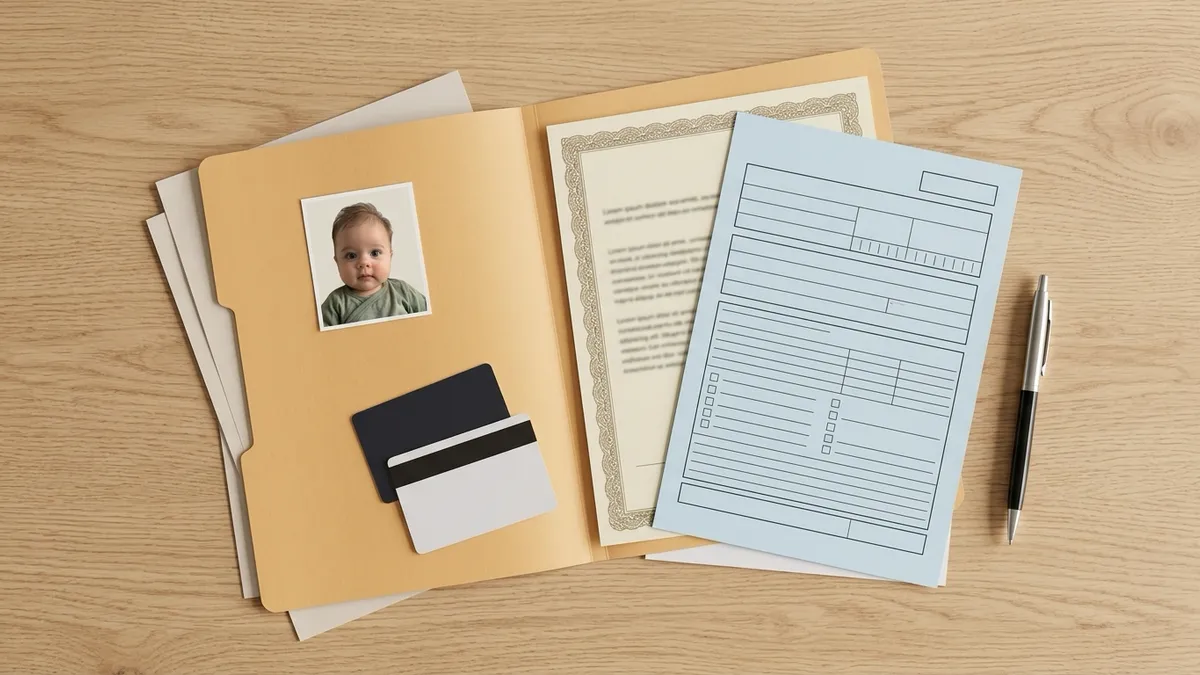
Searching for an app for a baby passport photo usually means one thing: you tried the drugstore, or you dread trying it, and you'd rather take the photo at home while the baby is calm. That's allowed in the U.S. — the State Department lists "a friend or family member" among the people who can take a passport photo (Passport Photos).
The hard part isn't taking the picture. It's knowing whether it will pass. This guide compares the options parents actually use — phone apps, web tools (including ours), pharmacies and photo studios — by what they do to the photo, what their guarantee really covers, and what they cost. We don't rank them with made-up scores. Prices and terms are as listed on each company's own pages when we checked on October 14, 2026, and can change.
What a good baby passport photo app should do
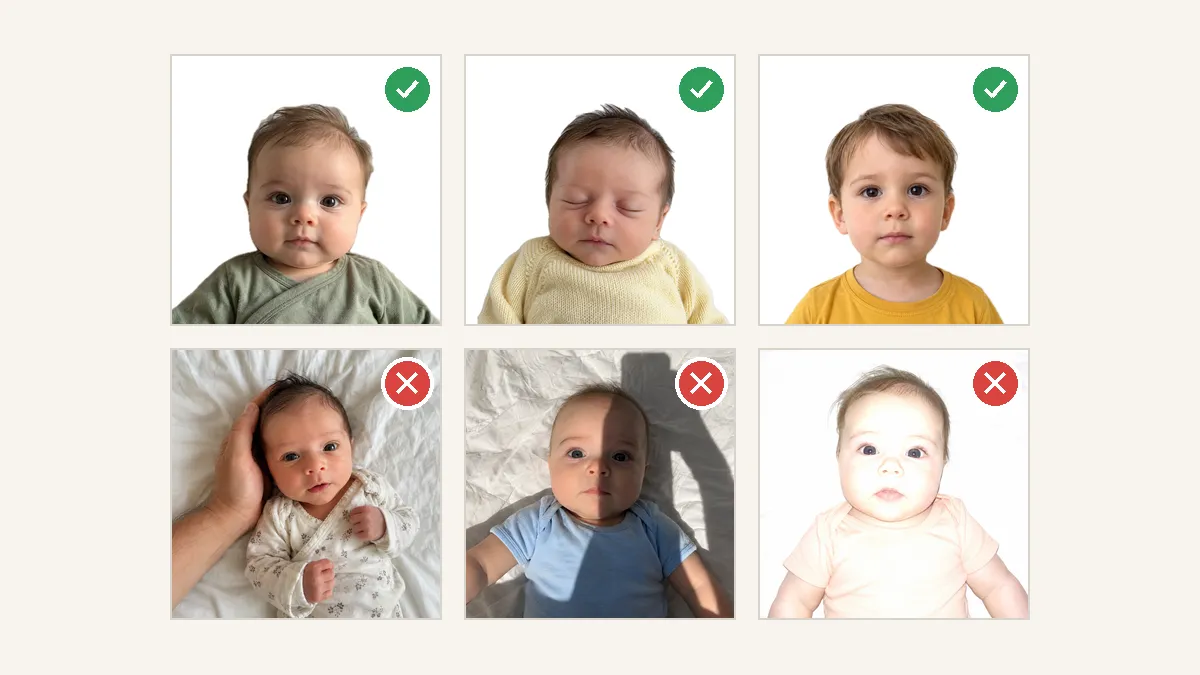
Before comparing names, know what to look for. The U.S. rules for a baby are short: white or off-white background, no shadows on the face, head 1 to 1⅜ inches from chin to crown on a 2×2 photo, no other person in the photo, and no digital changes (Passport Photos, DS-11). A baby's eyes don't have to be fully open.
In parent forums, the photos that actually got rejected failed for practical reasons: overexposure, one cheek brighter than the other, wrinkled blankets, or a head that was too small in the frame. So a useful app should:
- Check, not just crop. It should flag shadows, uneven light, and hands or another person in the frame — before you pay or print. (That's what we built: make a baby passport photo online runs these checks on your shot.)
- Edit the background only. The State Department says "Do not change your photo using computer software, phone apps or filters," and calls out a background cut that changes "the outline of your head, face, and neck." If a tool cleans the background, it should leave the baby's outline, face and skin tone alone.
- Never retouch the face. No smoothing, no color correction of skin, no red-eye fixing. Official guidance is to retake a photo with red eye, not edit it.
- Get the head size right. Cropping to 2×2 is easy; scaling so the head lands between 1 and 1⅜ inches is the part that matters.
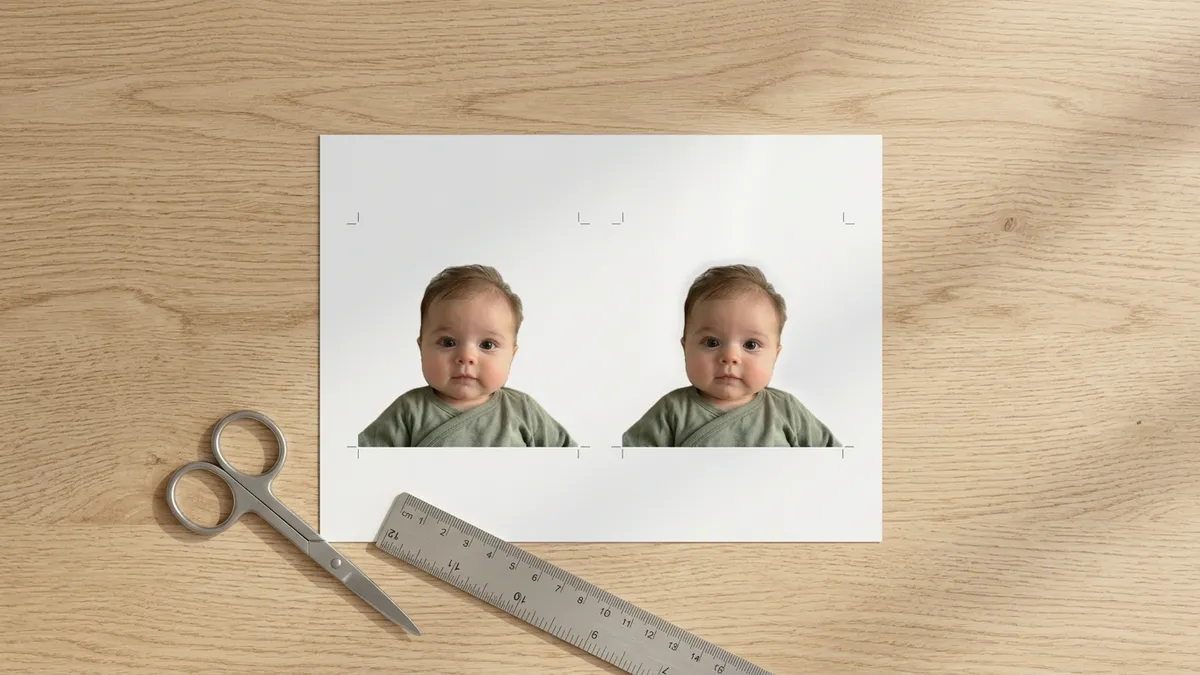
- Give you a print sheet. A U.S. child's passport needs one printed photo, applied for in person with Form DS-11 (Under 16 page). A digital file alone isn't enough; a 4×6 sheet you can print at any photo lab is.
- Let you retry for free. Babies don't hold poses. You'll want to upload several shots.
The options, compared
| Option | What it does to the photo | Guarantee / refund (as stated) | Price (U.S., Oct 2026) |
|---|---|---|---|
| PhotoAiD (web + app) | Replaces background with white or off-white; resizes and crops to 2×2; expert review after order | "a 100% acceptance guarantee or a double-your-money-back"; refund requires a document confirming the official rejection | $16.95 digital + print template; $19.95 with 2 mailed prints |
| Passport Photo Online (same company as PhotoAiD) | Background removal, cropping, resizing; its how-it-works page also lists lighting adjustments; human expert review | "we guarantee a 200% refund" if the authorities reject the photo | $16.95 digital; $19.95 with 2 prints |
| Visafoto / 7ID (web / app) | Replaces any background; Visafoto says it makes a slight color correction and can fix a tilted head, and suggests fixing red eyes in an editor | Refund if officials don't accept the photo | $9 per photo incl. 4×6 template; 7ID app is a free download |
| PhotoGov (web) | Resizes, crops and replaces background; says facial features are never altered; optional manual review (+$4.90) | Free retake or refund only if rejected due to an error on its side | $6.90 digital; +$2.90 print page; watermark-free downloads listed as a subscription perk |
| BabyPassportPhoto (web, ours) | Checks lighting, shadows, hands and other people, pacifiers and objects; cleans background only; crops to 2×2 | Free watermarked preview and retakes before paying, no sign-up; full refund if officially rejected (contact support with the rejection notice) | $7.99 per photo (digital + 4×6 print sheet); 3 for $15.99, 5 for $21.99 |
| CVS | Photo taken in store against a backdrop; automated check | Return with receipt if not accepted | $17.99 for 2 prints; digital +$3.99 |
| Walgreens | Photo taken in store | "guaranteed to be government compliant" | $16.99 |
| Walmart | Photo taken in store | No guarantee or refund terms found; says it "ensures" the photo meets official requirements | $7.64 |
| USPS | Photo taken at acceptance facilities | None found | $15 |
| Photo studio | Professional lighting, in person | Varies by studio | Varies; we didn't survey studios |
Sources: PhotoAiD, PhotoAiD refunds, Passport Photo Online, how it works, Visafoto, Visafoto prices, 7ID, PhotoGov, PhotoGov prices, CVS, Walgreens, Walmart, USPS.
Phone apps and web tools
PhotoAiD and Passport Photo Online
The two biggest names belong to the same company. Both replace the background, crop to 2×2, and add a human expert review. Their guarantee sounds strongest — 200% back — but PhotoAiD's refund terms ask for a document from the authority confirming the rejection, so keep any letter you receive. They're also the priciest online option.
Worth knowing: Passport Photo Online's how-it-works page lists "optimal lighting adjustments" and optional touch-ups such as removing stray hairs and reducing under-eye shadows. Those go further than background cleanup. Decide for yourself whether you're comfortable with that given the State Department's no-edits rule.
Visafoto and 7ID
Visafoto is cheaper at $9 and includes a 4×6 template. It says it will adjust the background, make a slight color correction, and fix a tilted head; its baby page also suggests correcting red eyes with an editor. The U.S. photo page says not to submit photos with red eye — retake instead. 7ID is a phone app supported by Visafoto and is free to download; we didn't see its paid pricing on the pages we checked.
PhotoGov
The lowest price ($6.90) and the most cautious wording: it says final acceptance is up to the issuing authority and that facial features are never altered. The trade-offs: watermark-free downloads are listed as a subscription perk, printing and human review cost extra, and the refund covers only errors on PhotoGov's side.
BabyPassportPhoto (ours)
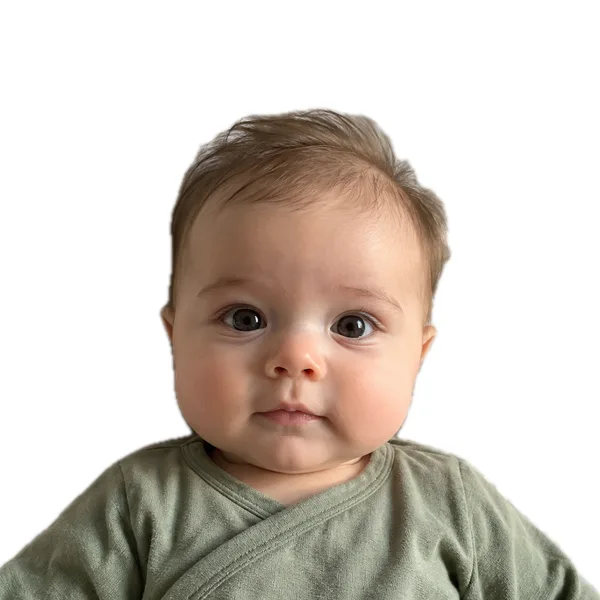
We built our tool around what actually gets baby photos rejected. It checks for overexposure, uneven light on the face, shadows, blur, a clearly tilted head, and hands, pacifiers, toys or another person in the frame — and tells you what to change if a shot fails. Then it crops so the head is the right size. We clean the background to white or off-white but don't touch the baby: no change to the head or face outline, no smoothing, no skin-tone change, no red-eye fix. If a hand is in the frame, we ask you to retake rather than paint it out, because removing it would mean redrawing part of the head.
You can preview (watermarked, no sign-up) and retry as many times as you need before paying. When you're happy, it's one-time: 1 photo $7.99, 3 photos $15.99 or 5 photos $21.99, where one photo is the checked digital file plus a 4×6 print sheet for one person; unused photos never expire. If a passport office rejects a photo you made with us, contact our support (chat on this site or email) with the rejection notice and we'll refund you in full. We're not a government agency, and the final decision is always the passport office's. Make a baby passport photo online to see the checks on your own shot.
Pharmacies and the post office
CVS, Walgreens, Walmart and USPS take the photo in person. You don't edit anything, which avoids the digital-changes question entirely. CVS's site says it photographs all ages including babies and that infants' eyes don't need to be open.
The catch is the baby. Parents in forums report mixed results: a patient CVS employee who spent an hour with a five-week-old, stores that couldn't get a usable shot of an infant, and a USPS photo rejected later for overexposure. Store software showing "pass" didn't always mean the passport agency agreed. And you're paying for one attempt per trip. See where to get a baby passport photo for a store-by-store breakdown.
Photo studios
A studio offers proper lighting and, often, a photographer used to babies: a good chance of a clean shot without editing, but the least flexible option. We didn't collect studio prices; call ahead and ask whether they photograph infants for U.S. passports.
Which option fits you?
- You want zero editing: take the photo at home on a white sheet with good daylight, then use a tool that only checks and crops — or go to a pharmacy or studio.
- You want the cheapest option and know the rules: PhotoGov or Visafoto, then print the template yourself.
- You want the photo checked for the baby-specific problems before you print: use a tool that flags shadows, hands and head size and lets you retry free. That's what we built.
- You need the photo today and the baby is calm: a pharmacy can work, but bring snacks and patience.
Whatever you choose, print on matte or glossy photo paper — the DS-11 instructions require photo quality paper — and attach just one photo, unstapled. Our guide on how to take a baby passport photo at home covers the setup.
FAQ
Is there an app for baby passport photos?
Yes. Phone apps such as 7ID and web tools such as PhotoAiD, Passport Photo Online, Visafoto, PhotoGov and BabyPassportPhoto can turn a phone photo of a baby into a 2×2 passport photo with a print template. They differ in how much they edit, what they check and what they charge.
Can I take my baby's U.S. passport photo with my phone?
Yes. The State Department allows a friend or family member to take the photo. It must still meet the rules: white or off-white background, no shadows on the face, correct head size, no one else in the photo, and no filters or digital changes.
Do passport photo apps edit the baby's face?
Some go beyond the background, with color correction, lighting adjustments, tilt or red-eye fixes, according to their own pages. The State Department doesn't allow retouching the face. Look for a tool that edits the background only and leaves the face untouched.
Are passport photo app guarantees worth it?
They help, but read the terms. Some require an official rejection document; some only cover errors on the company's side. Free retries before paying are often more useful than a refund after a delay.