
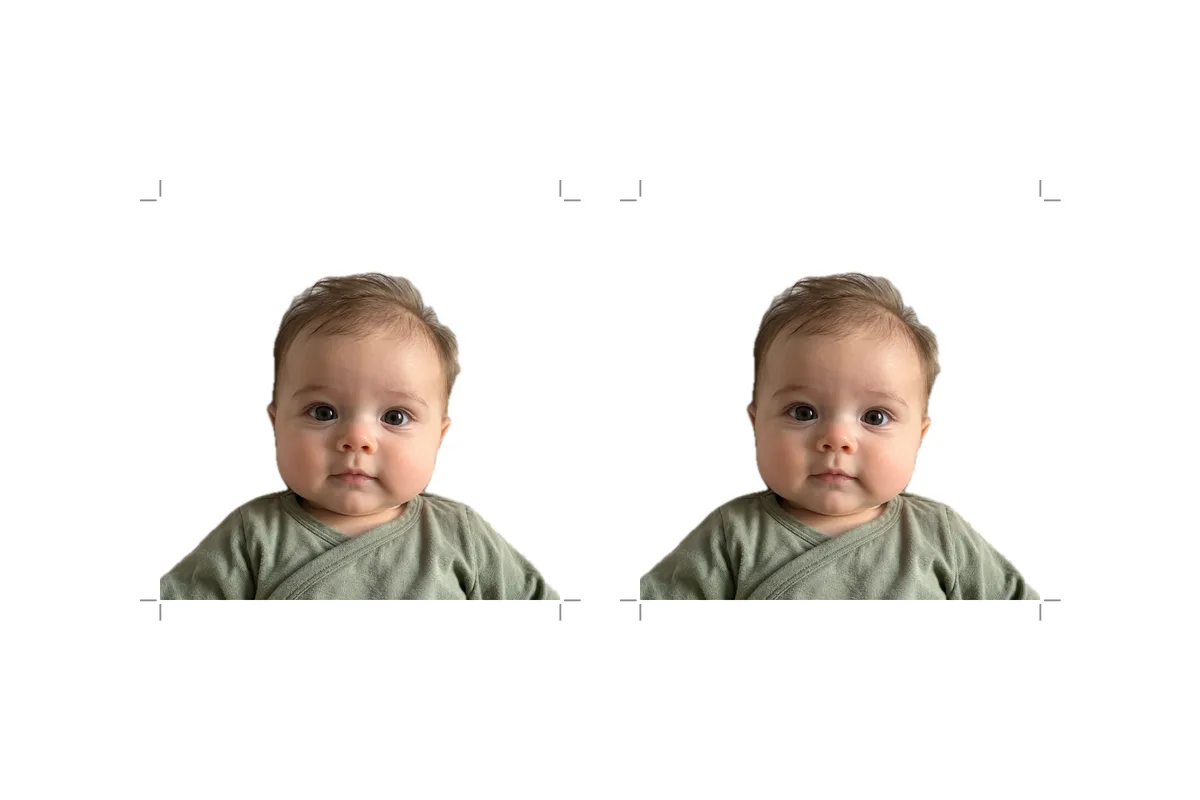
2x2 photo template 4x6
The sheet is a standard 4×6 image, so photo labs print it without cropping. Two 2×2 photos sit side by side with space for cut lines.
- Two copies per sheet
- Exact 2×2 in at print size
- Thin cut lines around each photo
Upload a finished 2×2 photo, download a sheet with cut lines, print it at any photo counter.
 1
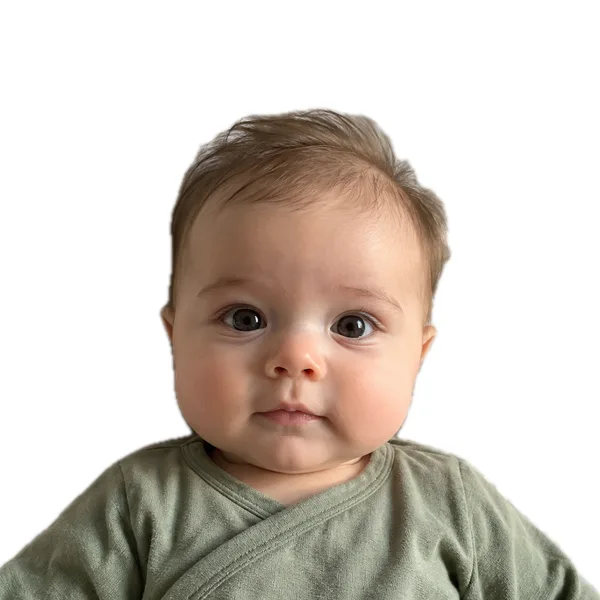
1Use a square JPG, PNG or HEIC that is already cropped to 2×2 with the head at the right size. The tool doesn't crop or edit it.
2You get one 4×6 image with two copies of your photo and cut lines around each, ready for a standard photo print.
3Order it as a regular 4×6 print on matte or glossy photo paper, check the size with a ruler, and trim along the lines.
The sheet is a standard 4×6 image, so photo labs print it without cropping. Two 2×2 photos sit side by side with space for cut lines.
Order the sheet like any other photo at CVS, Walgreens, Walmart or a home photo printer. The U.S. passport form asks for matte or glossy photo quality paper.
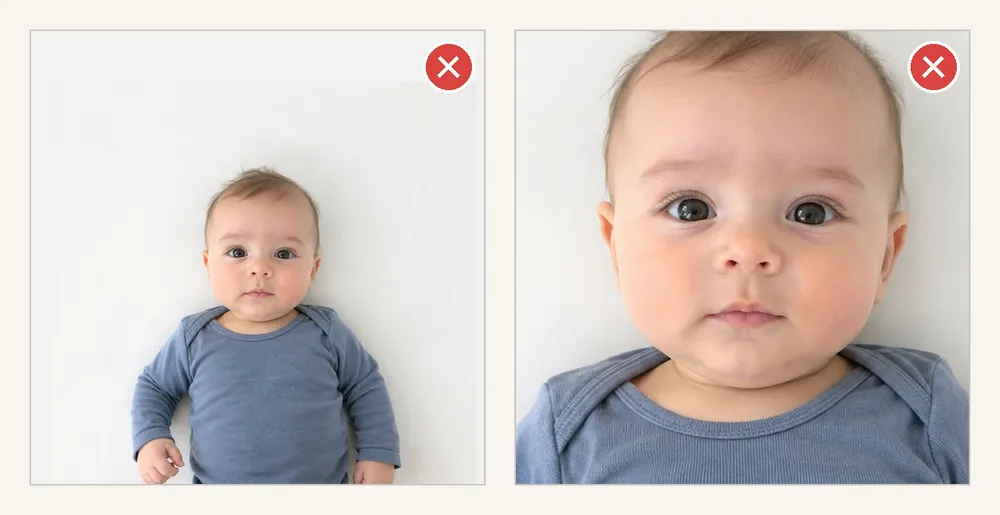
It only lays out your photo. It doesn't crop, resize the head, change the background or check the photo against passport rules. If the photo isn't finished yet, use the baby passport photo tool instead.
| Rule | Official requirement |
|---|---|
| Photo size | 2 × 2 in (51 × 51 mm)Source |
| Head size | 1–1⅜ in from bottom of chin to top of head (your photo must already meet this)Source |
| Paper | Matte or glossy photo quality paperSource |
| Copies or scans | Not acceptedSource |
| Photo age | Taken less than 6 months agoSource |
| Photos needed for a child's passport (DS-11) | 1Source |
This tool takes a photo you have already cropped to 2×2 inches and puts two copies on a 4×6 sheet with cut lines. It doesn't edit, check or crop the photo — what you upload is what gets printed.
Use it if you already have a square 2×2 photo with the head at the right size (1 to 1⅜ inches for a U.S. passport, per the DS-11 instructions), or you need a spare print.
Use the baby passport photo tool instead if you only have an uncropped phone photo, or want shadows and hands checked and the head cropped to size first.
Upload the whole 4×6 sheet to the lab, not the single photo, or it will be enlarged. Matte or glossy both work. Measure one photo before cutting: exactly 2 inches each side. More in where to print 2×2 photos.