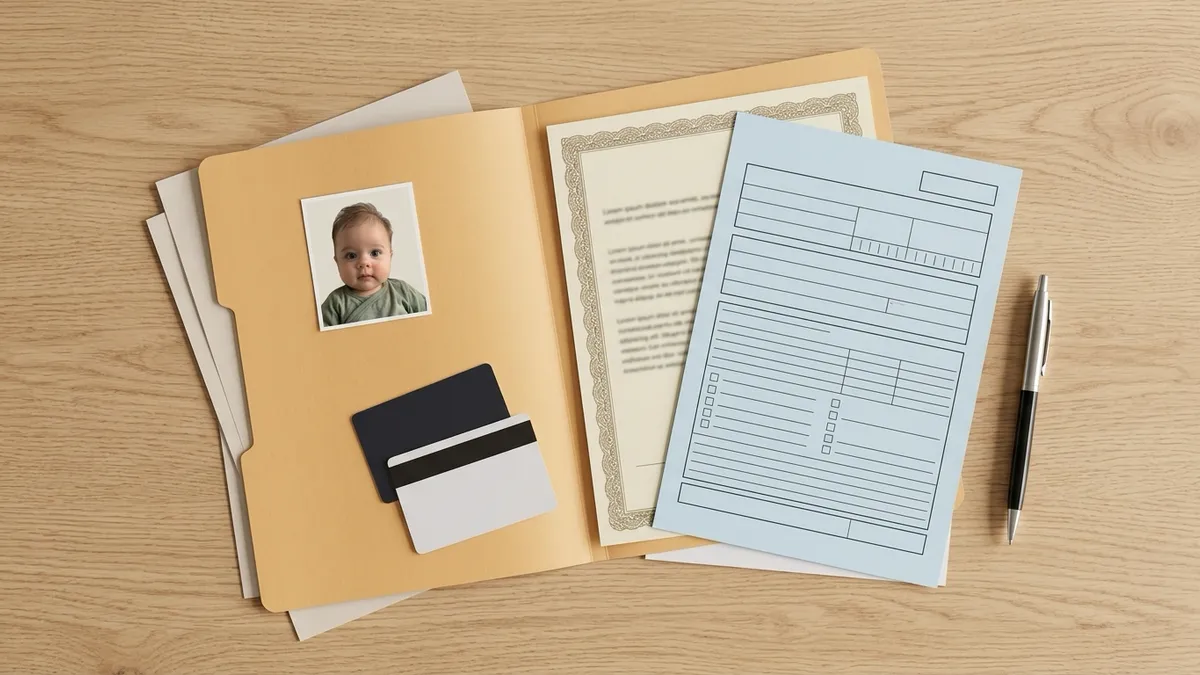
If you already have a good 2×2 photo on your phone, you don't need to pay for a passport photo service just to get it on paper. Put two 2×2 photos on a 4×6 image, order it as a regular photo print at CVS, Walgreens or Walmart, and cut them out at home. A standard 4×6 print usually costs a small fraction of a passport photo package — check your store's current price.
This guide covers where to print, what paper the U.S. Department of State asks for, how to order so the store doesn't resize your photo, and how to cut a clean 2×2 square.
Why print a 4×6 instead of buying passport photos
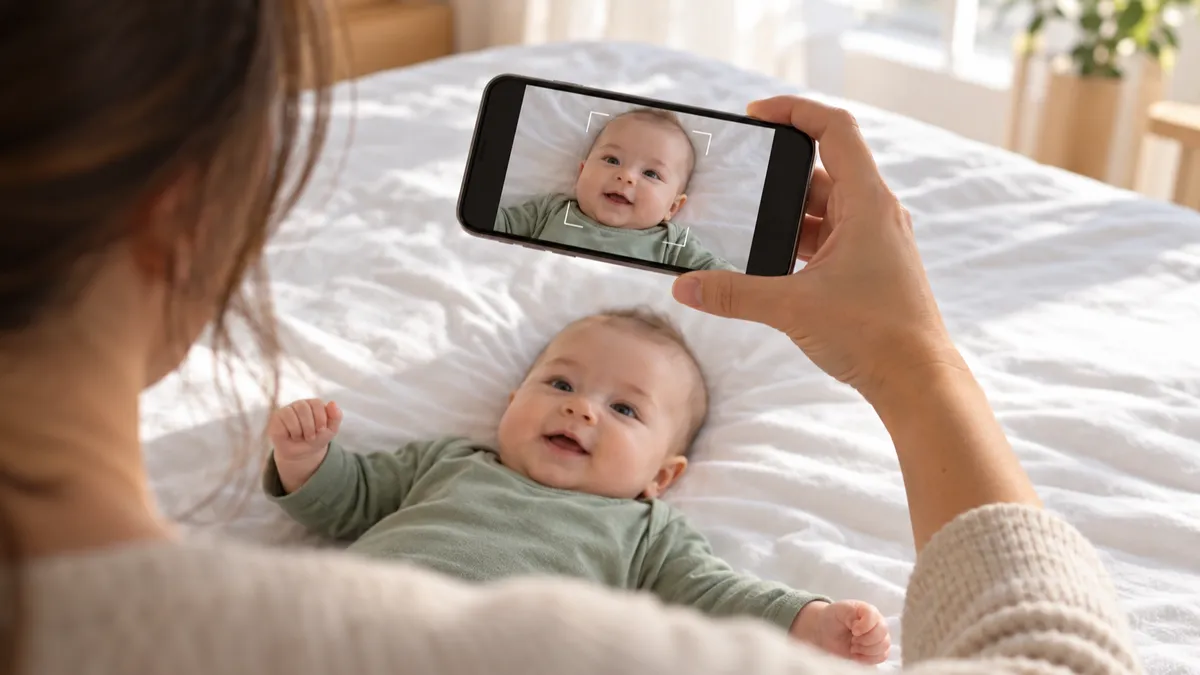
Most drugstores sell passport photos as a service: they take the picture in the store and print two copies. That's the right choice if you don't have a photo yet. But if you took the photo yourself — for example, a baby lying on a white sheet at home — you are only paying for paper and ink.
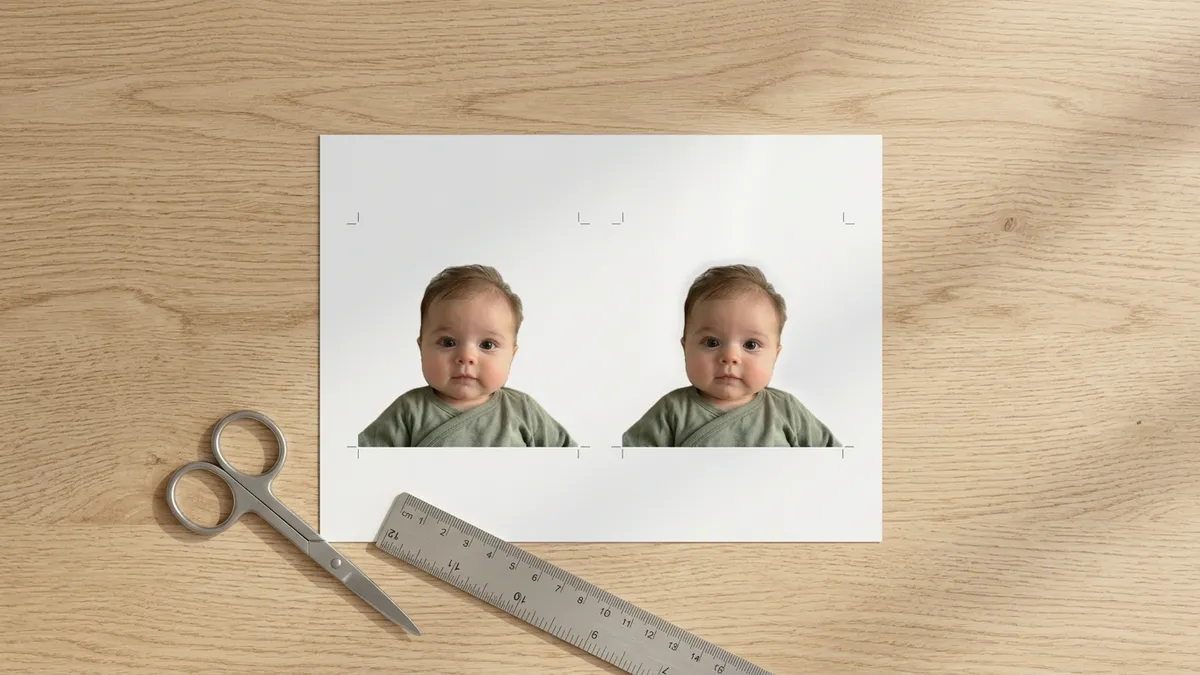
A 4×6 print is 6 inches on its long side. Two 2×2 photos fit side by side along it, with room left over for cut lines. You order it exactly like a vacation snapshot.
What you need before you print:
- A finished 2×2 image at the right scale. The photo must already be cropped so the head is the correct size. For a U.S. passport, the head must measure 1 to 1⅜ inches from the bottom of the chin to the top of the head (DS-11 instructions).
- A 4×6 layout file. You can make one with our free 2×2 photo template: upload a photo that is already cropped to 2×2 and download a 4×6 sheet with cut lines.
- A plan for checking the photo before you pay. Printing a photo that would be rejected only wastes a trip.
If you're printing for a baby or toddler and don't have a finished 2×2 yet, create your baby's 2×2 photo first. Our tool checks lighting, shadows and hands in the frame, crops so the head is the right size, then gives you the same 4×6 print sheet.
What paper does a U.S. passport photo need?
The rule is short. The DS-11 instructions say the photo must be "printed on matte or glossy photo quality paper" (DS-11). The State Department's photo page also says not to submit a photocopy or a scanned photo (Passport Photos).
So:
- Matte or glossy photo paper is fine. Pick whichever the store offers.
- Plain printer paper is not. Don't print on office paper or card stock.
- No copies or scans. Print from the original digital file.
- The photo should be sharp, without visible pixels or printer dots. Print from a full-resolution file, not a screenshot.
The photo must also be taken less than six months before you apply (DS-11).
Where to print 2×2 photos
Any photo lab that prints standard 4×6 photos on photo paper will work. The most common U.S. options:
CVS 2×2 photo print
CVS sells passport photos as an in-store service, and its website says you can't order them online (CVS). That's the passport service. Your 4×6 sheet is different: it's just a regular photo print, so you order it through CVS photo printing like any other picture and pick it up in the store. Prices and same-day availability vary by store — check the app or your store.
Does CVS print 2×2 photos? We didn't find 2×2 among its regular print sizes. The practical way is to print a 4×6 that already contains your 2×2 photos, then cut them.
Walgreens 2×2 photo print
Walgreens works the same way. Its passport photo package is taken in store (Walgreens), but a 4×6 print is a standard order through Walgreens Photo. Upload your 4×6 sheet, pick 4×6 and the paper finish, then pick it up.
Walmart
Walmart Photo also prints 4×6 photos for in-store pickup. Its passport photos are an in-store service only (Walmart), so again, order your sheet as a regular print.
Printing at home
You can print at home if you have a photo printer and real photo paper. Results vary a lot with home inkjets: colors shift, the white background can come out gray, and the size can be off if the print dialog scales the image. A photo lab is usually the safer choice.
| Where | What to order | Paper |
|---|---|---|
| CVS | Standard 4×6 print | Glossy or matte photo paper |
| Walgreens | Standard 4×6 print | Glossy or matte photo paper |
| Walmart | Standard 4×6 print | Glossy or matte photo paper |
| Home printer | 4×6 at 100% scale | Photo paper only |
Prices change often, so we don't list them here. Check your store's app for today's price.
How to order so the size stays exactly 2×2
This is where most home-printed passport photos go wrong. Photo apps like to "fit" or "fill" the print, which can crop or shrink your sheet by a few percent. On a passport photo, that can push the head size out of range.
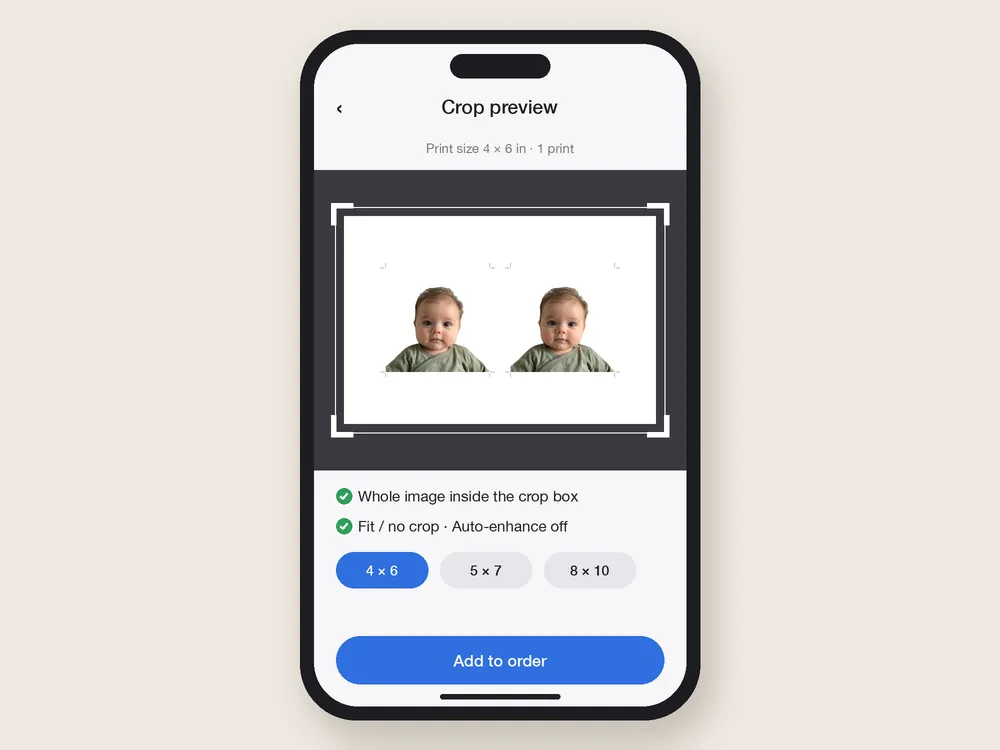
- Upload the 4×6 sheet, not the single 2×2 photo. If you upload a 2×2 square and order a 4×6, the store will enlarge it.
- Choose the 4×6 print size. The file should already be a 4×6 (2:3) image, so nothing needs cropping.
- Check the crop preview. If the app shows a crop box, make sure the whole sheet, including the cut lines, is inside it.
- Turn off auto-enhance if offered. You want the colors as shot. The State Department asks for the original photo without filters (Passport Photos).
- Pick matte or glossy. Either is accepted.
At home, print at "Actual size" or 100%, with "Fit to page" and borderless enlargement turned off.
How to cut a 2×2 photo accurately
Once you have the print:
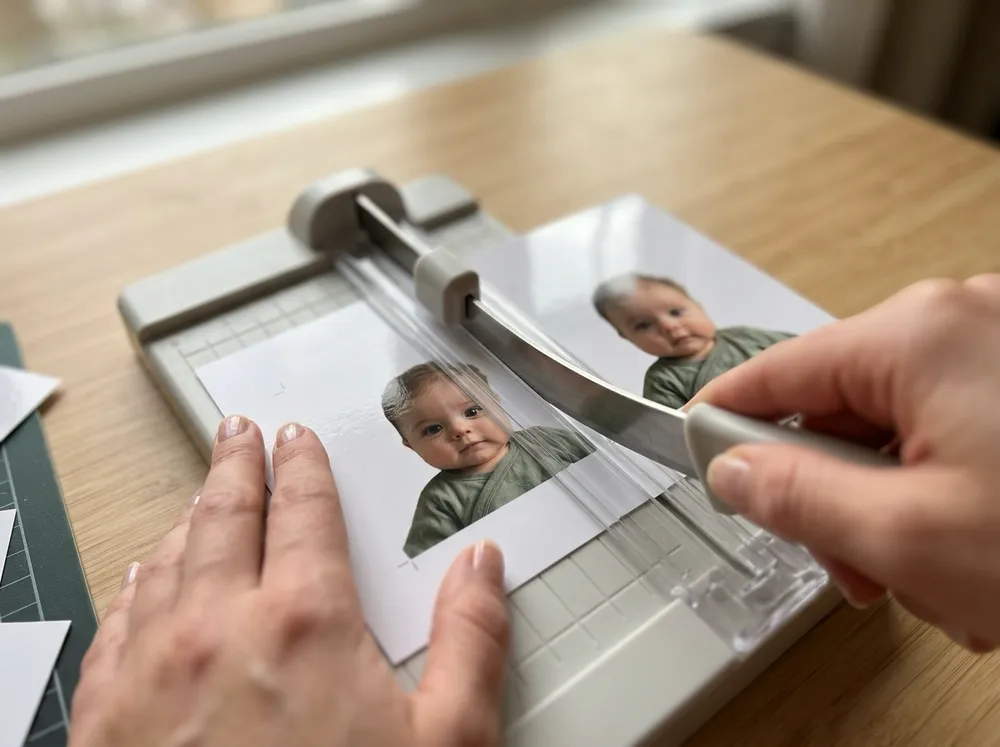
- Measure first. Put a ruler on one photo. It should be exactly 2 inches on each side. If it's off, the store resized it; ask for a reprint at the right setting.
- Use a paper trimmer if you can. A straight-edge trimmer gives cleaner edges than scissors. If you only have scissors, line a ruler up with the cut line and score it lightly first.
- Cut along the line. Cut lines on a template mark the edge of the photo, so don't cut inside them.
- Keep corners square. Trim the long edges first, then the short ones.
- Don't touch the face. Hold the photo by its edges. Fingerprints and bends can make a photo unusable.
Check the photo before you print it
Printing is cheap. A rejected photo isn't, especially for a baby passport, where the delay can push back a trip. Before you print, check against the official photo rules:
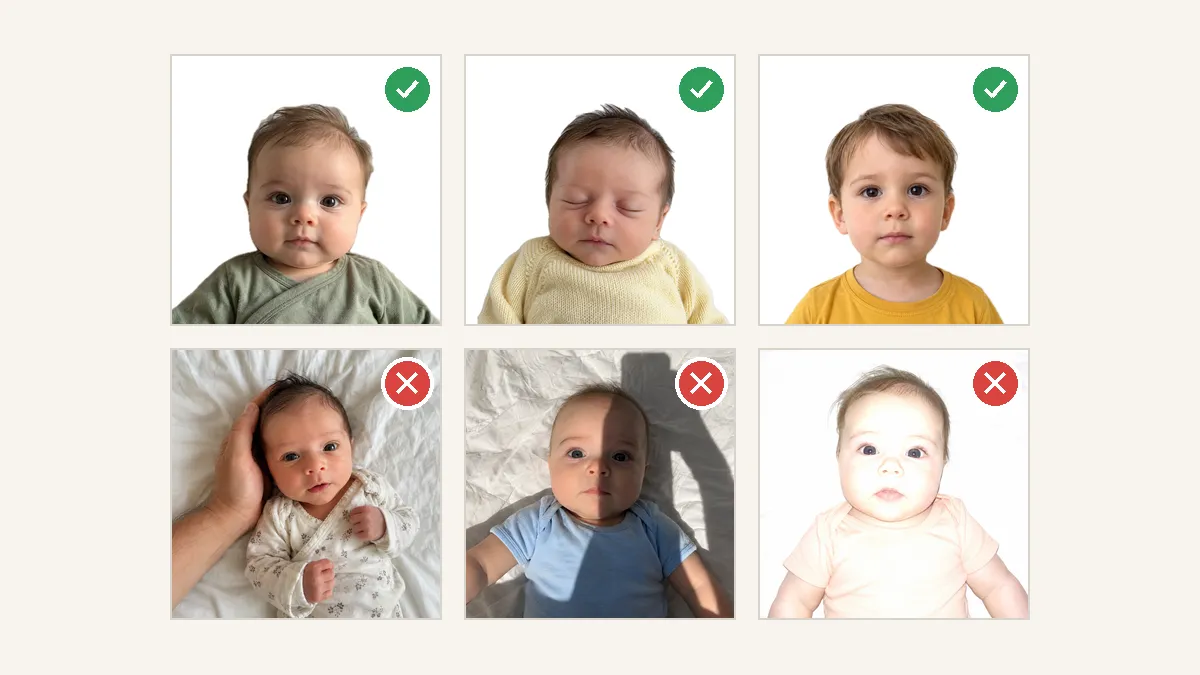
- White or off-white background with no shadows, texture or lines
- Even light on the face, not too bright or too dark
- Head between 1 and 1⅜ inches from chin to crown
- Facing the camera, full face visible
- No other person in the photo
- No filters or digital changes
For babies, parents most often run into trouble with uneven light on one cheek, wrinkled blankets and a head that's too small in the frame. Read our baby passport photo requirements for the infant-specific rules, like closed eyes.
How many photos do you need?
For a U.S. passport applied for with Form DS-11, including every child's passport, you attach one 2×2 photo (DS-11). A 4×6 sheet with two photos gives you a spare. For a child's application, don't staple the photo to the form; the acceptance agent reviews it and attaches it (Apply for a Child's Passport Under 16).
The full list of documents for a child is in our baby passport application checklist.
FAQ
Where can you print 2×2 photos?
Any photo lab that prints standard 4×6 photos on photo paper, such as CVS, Walgreens or Walmart. Put two 2×2 photos on a 4×6 sheet, order it as a normal print, and cut them out.
Does CVS print 2×2 photos?
We didn't find 2×2 among CVS's regular print sizes for your own photos, and its passport photos are taken in store. To print your own, order a 4×6 print that already contains two 2×2 photos, then trim them.
Can I print a passport photo on glossy paper?
Yes. The DS-11 instructions accept matte or glossy photo quality paper. Plain paper, photocopies and scans are not accepted.
Why is my printed 2×2 photo the wrong size?
The store or your printer probably cropped or scaled the image. Upload a full 4×6 sheet, check the crop preview, and at home print at 100% with "fit to page" turned off. Measure with a ruler before cutting.
Can I print a baby passport photo taken at home?
Yes. U.S. rules allow a friend or family member to take the photo. The photo still has to meet the rules: white or off-white background, no shadows on the face, correct head size and no one else in the frame.